Cascade CMS Fueling Powerful Digital Experiences
Welcome to Cascade CMS, a web content management system for managing stand-out websites that deliver personalized visitor experiences and generate results.
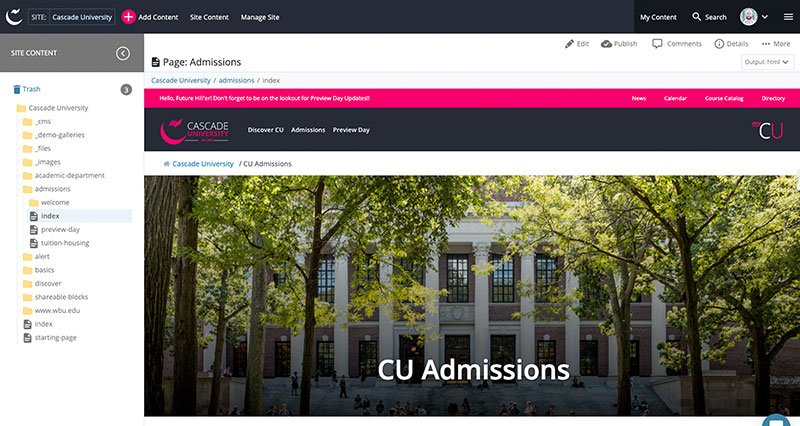
Welcome to Cascade CMS, a web content management system for managing stand-out websites that deliver personalized visitor experiences and generate results.
Loved by users of all types, Cascade CMS empowers digital excellence with its balance of flexibility for developers with easy-to-use features for contributors.
With granular user permissions, content checks, a robust workflow builder, and the ability to publish to a staging server, rest assured that all content published to your site is the best-possible representation of your brand.
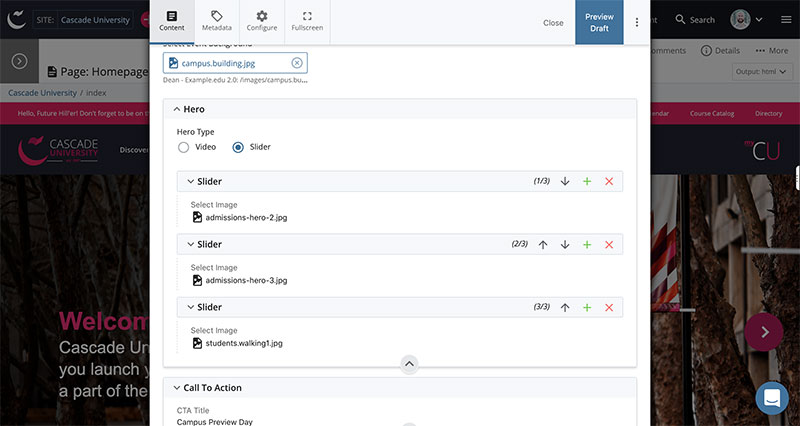
Cascade CMS supports structured content editing, which guides the content contributor through the process of creating content to ensure consistency. This allows for even quicker content creation by non-technical users.
Cascade CMS can alert users and site administrators of pages that have not been updated in any number of days, weeks, months, or years. Use the daily content report, task manager, and content review dates to keep content fresh.
Enter content through either simple WYSIWYG editors or structured fields like file choosers, checkboxes, drop-down boxes, and text fields. See what your page will look like as you are editing it.
Check for broken links, spelling errors, and accessibility violations prior to publishing your content to the live site.
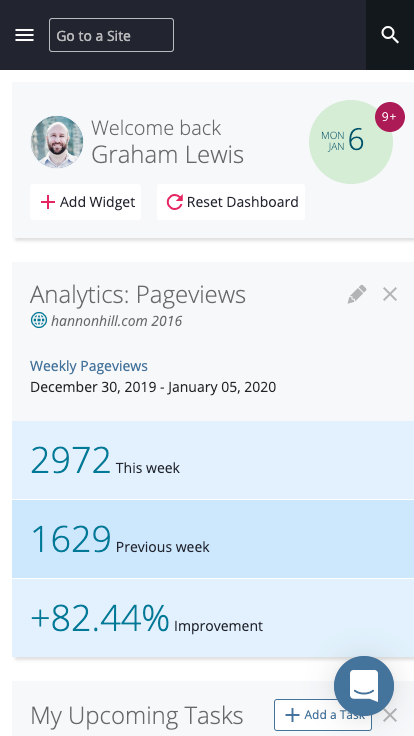
Tailor your dashboard by adding widgets such as history, broken link report, stale content report, inbox, workflows, drafts, or locked assets.
Cascade CMS supports both XSLT and Velocity for writing formats. Even use both on the same page. Incorporate built-in tools to harness content and do more with less code.
Remove technology roadblocks by implementing whichever server-side technology works best for you including PHP, .NET, ColdFusion, or JSP.
Leverage the Web Services API to extend product functionality and integrate with third-party tools or custom-built applications.
Use the Log In As User Feature to see exactly what a specific user sees and quickly troubleshoot issues.
Manage as many Cascade CMS sites as you need from the same instance. Create site specific user roles, share content across multiple sites, and publish to specific destinations and servers.
Apply permissions on sites, directories, page types, individual pages, specific regions on a page, and even individual content entry fields.
Cascade CMS is built to support system-wide implementation and facilitate content sharing across sites and platforms. Experience the best of all worlds as Cascade CMS allows developers maximum flexibility, non-technical content contributors ease of use, and marketers the appropriate guardrails and checks to ensure brand consistency and web governance.
Maximize content reuse and portability
Increase content effectiveness
Integrate with other systems
Keep content authors engaged
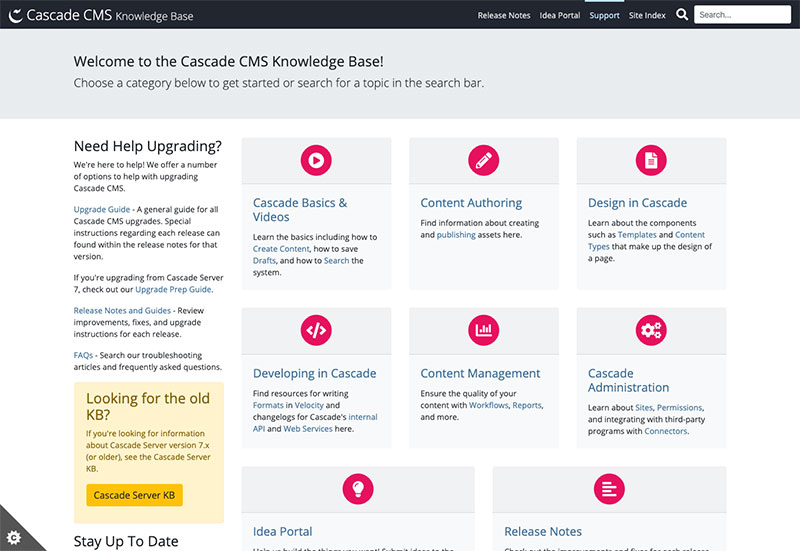
Cascade CMS has the best technical support in the industry. No more funneling requests through one or two approved individuals. No more withholding questions to prevent reaching caps. Reach out to us as many times as you need and we'll do our very best to help.
No cap on volume of support tickets accepted
23 minute median first response time
No restrictions on who can submit a support ticket
Over 99.9% customer satisfaction rate on support tickets
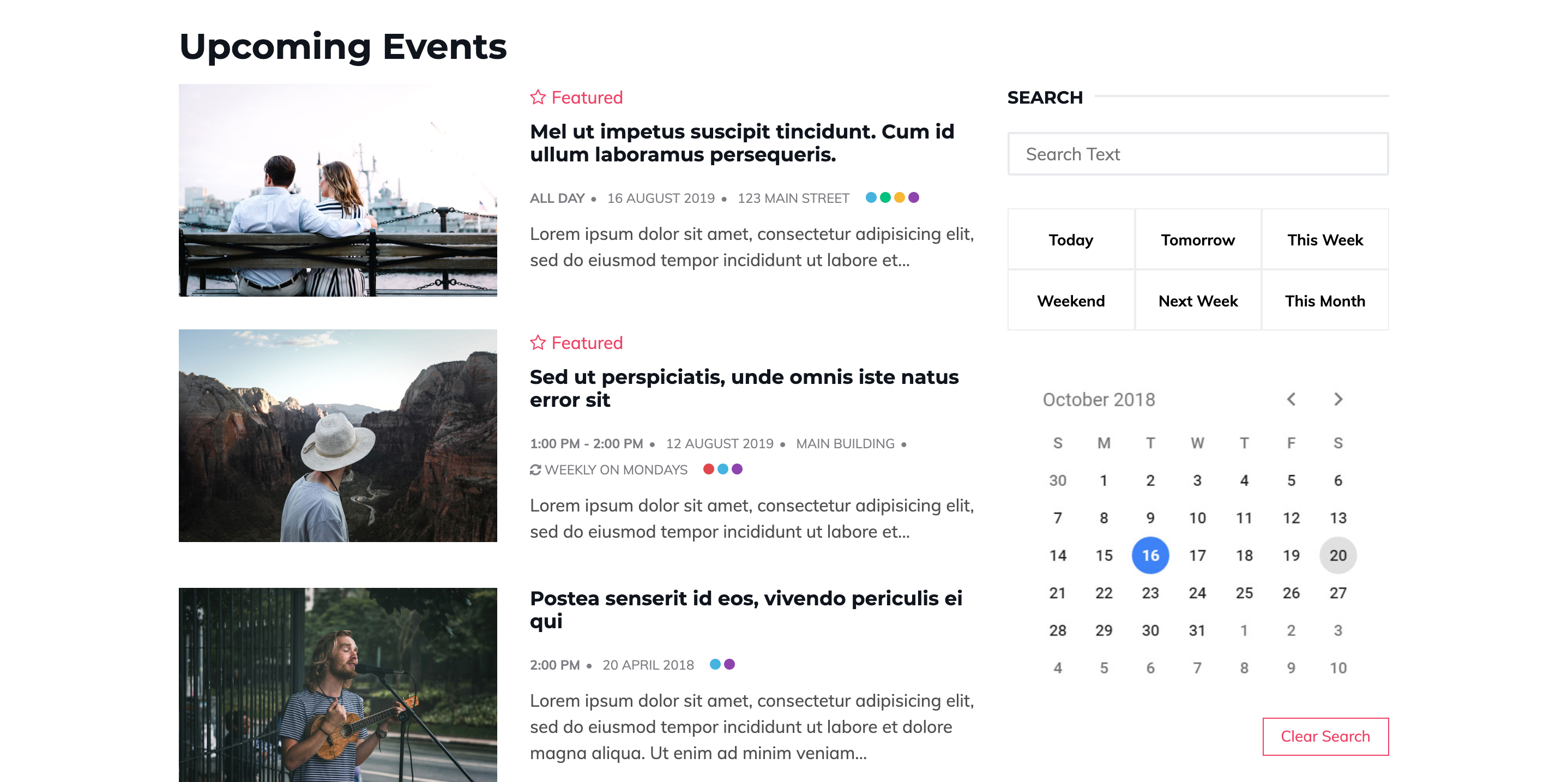
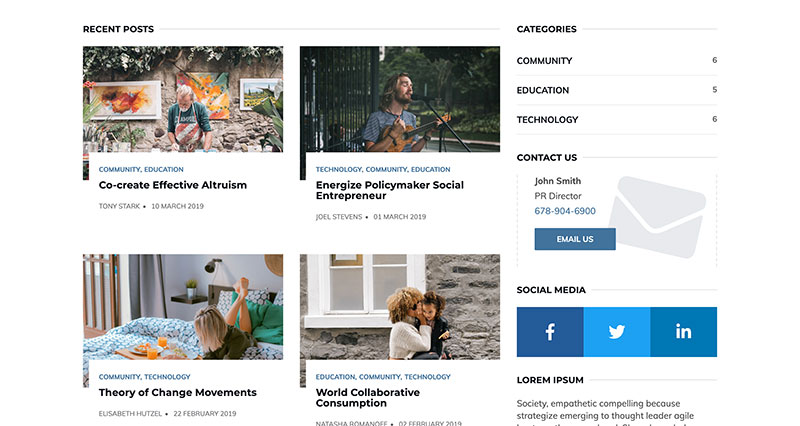
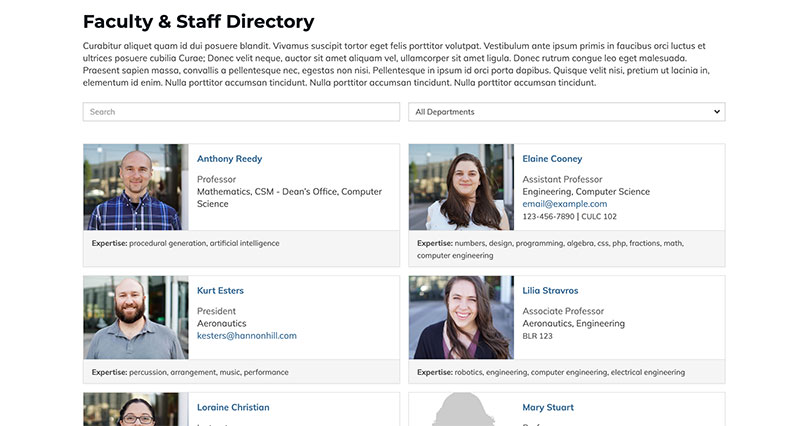
To kick-start your implementation, several starter sites and code examples are available to download from our Cascade CMS Exchange. Fully customizable, these assets were built exclusively by our internal team. Cascade CMS customers can utilize these resources at no additional charge.
Download to learn more about Cascade CMS as well as more information including Clive, Cascade Cloud, user management, our partner network, and more.

In this recent case study, learn how LeTourneau University enabled their team to become less reliant on outside vendors and execute cost-saving initiatives.

Explore how Colorado College utilized the Hannon Hill Professional Services team to streamline their website transition to Cascade CMS.
Whether you’re considering a CMS for the first time, switching tools, or just want to learn more, request a personalized demonstration for you and your team.
Request More Information